

s3Cli is a governed S3 command-line tool in NexusOne’s Jupyter environment. Its core features include:
- Interacting with S3 buckets in NexusOne
- Evaluating Apache Ranger policies before executing S3 operations
- Loading and storing credentials via a Java Cryptography Extension Key Store (JCEKS)
Problems s3Cli solves
Prior to the release ofs3Cli, you would directly interact with S3 buckets using the AWS Command Line Interface.
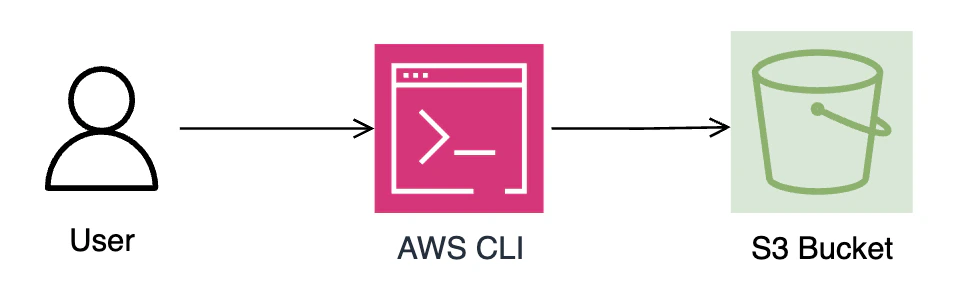
s3Cli- You have to reach out to the NexusOne team to update these AWS IAM policies since you don’t manage the NexusOne environment
- If you manage your NexusOne environment, then you have to manage both the AWS policies and other custom policies, not even related to this feature within Apache Ranger
s3Cli does is collapse this governance split. IAM authorization still exists, but Ranger is now used as the
authorization layer.
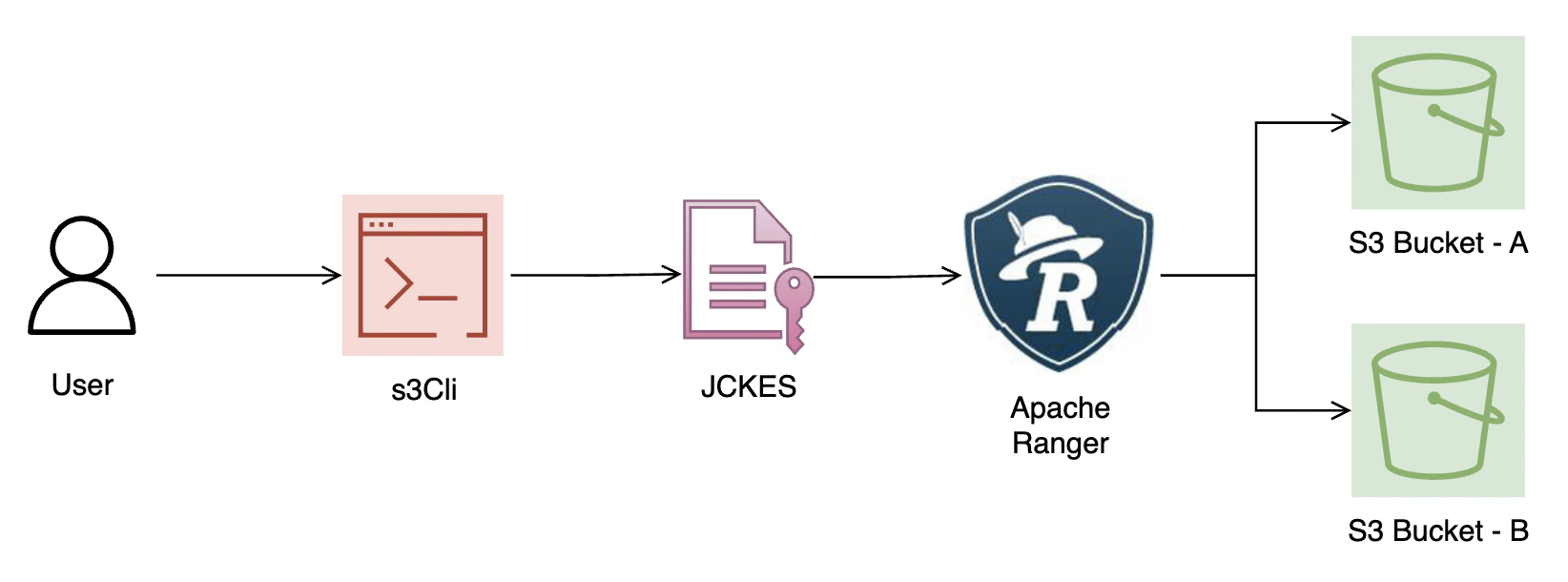
After
s3Clis3Cli, the following happens:
- You perform an S3 action using
s3Cli - JCEKS loads your AWS S3, MinIO, or other S3-compatible storage credentials, so
s3Clican authenticate to the storage service before performing any action - Ranger evaluates if you have permission to perform the requested S3 action
- The S3 action executes if it’s allowed by Ranger
Hadoop’s
core-site.xml file makes it possible to access multiple S3 buckets.Supported s3Cli operations
Thes3Cli tool supports the following operations.
| Operation | Description |
|---|---|
| ls | List buckets or objects |
| get | Download a file or directory recursively |
| put | Upload file or directory |
| rm | Delete file |
| cat | Print file contents |
| auth | Check authorization |